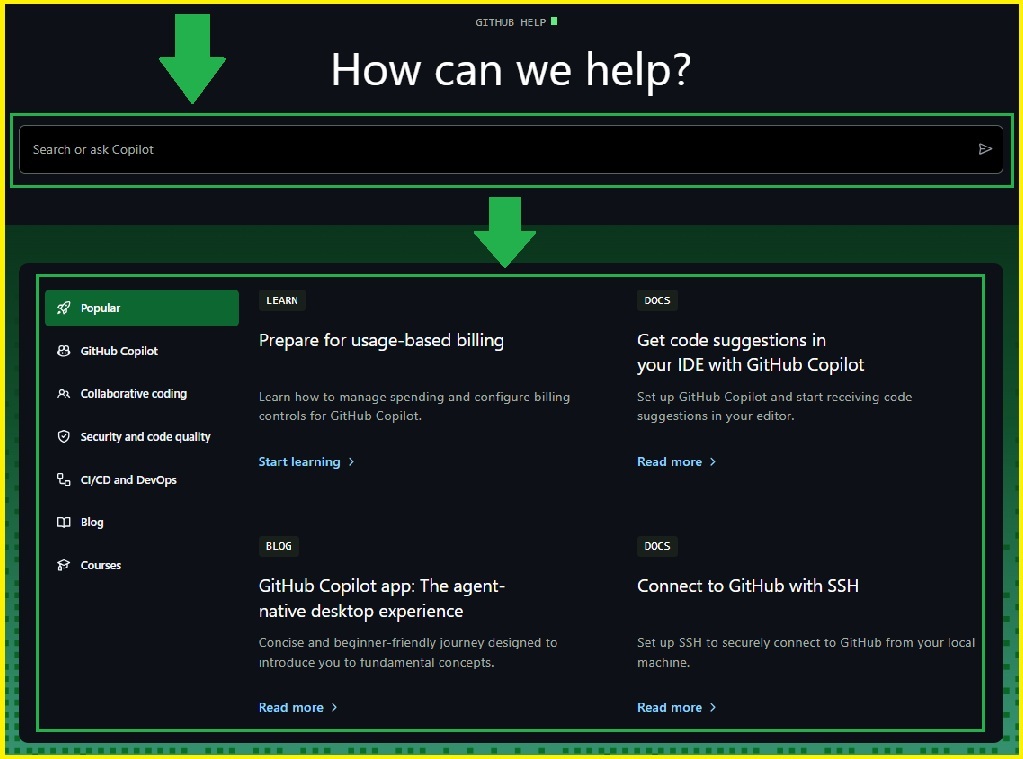
There is No Customer Care Number
Important Link
How Do I Upgrade, Downgrade, or Cancel a Paid Plan ?
- Open Settings. Click your profile picture (top right), then Settings.
- Go to billing. Open Billing and plans (or Billing & Licensing) and find Current plan.
- Choose your change. Click Upgrade, or Downgrade to GitHub Free to cancel.
- Confirm. Review the features you'll lose, then click I understand (or Downgrade plan for organizations).
- Check the timing. Upgrades apply immediately, while downgrades and cancellations take effect at the end of your billing cycle.
How Do I Delete My GitHub Account ?
- Click your profile picture in the upper-right corner of any GitHub page, then click Settings.
- Go to Account. In the left sidebar, click Account.
- At the bottom of the Account Settings page, under Delete account, click Delete your account.
- Confirm the deletion. In the pop-up, enter your username or email, type the phrase shown, then confirm.
Headquarters
88 Colin P. Kelly Jr. Street,
San Francisco, California, 94107
Social Sites